Tutorials ·
How to Build Animated Integration Beams and Connection Lines in React
UI Layouts
On this page
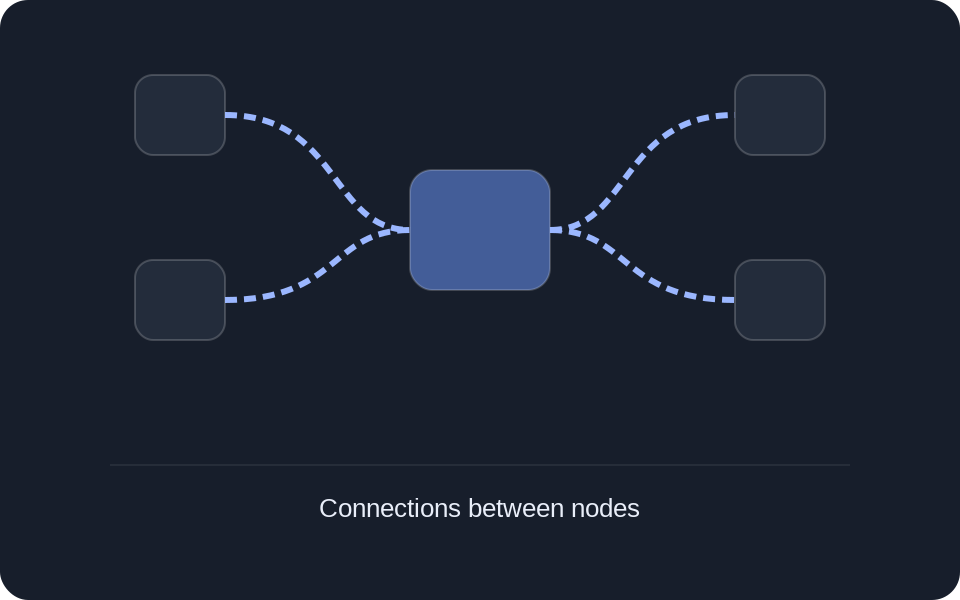
Animated beams can explain how a product connects to other tools without drawing a separate video.
Live example from UI Layouts
Installation
Use the documented UI Layouts registry command in your React project:
npx shadcn@latest add 'https://www.ui-layouts.com/r/animated-beam.json'
The component documentation includes the full setup and dependency details.
Measure endpoints in the same space
Use the bounding boxes of nodes relative to the diagram container. Recompute when the layout changes, and avoid hard-coded coordinates for responsive cards.
Animate along a path
Use an SVG path between node centers, then animate a highlight or dashed stroke along it. Choose direction according to the actual data relationship.
Do not imply unsupported integrations
Label each node, keep the connection visible without animation, and use accessible text for important relationships. A beam should illustrate a real connection rather than promise one.
Implementation pattern
The following focused snippet demonstrates the principle, not the complete UI Layouts implementation. The live example and linked documentation contain the full source.
<path d='M20 60 C100 60 120 20 200 20' fill='none' stroke='currentColor' stroke-dasharray='8 6' />
Explore the source
Open the animated beam component documentation for the full implementation, examples and any required dependencies. Test the interaction on a narrow screen and with keyboard navigation before adapting it to production.