Tutorials ·
How to Animate Numbers and Counters in React with Number Flow
UI Layouts
On this page
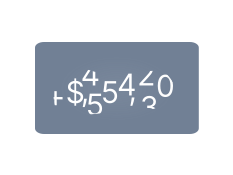
A rolling number transition helps people notice a changing value without losing its meaning.
Live example from UI Layouts
Keep the numeric value authoritative
Store a number rather than a preformatted animated string. Number Flow can format the value for presentation while the data model remains numeric.
Choose the format deliberately
Apply locale, precision and units according to what the metric represents. A trading price and an upvote count need different precision; do not hide a negative sign during the transition.
Avoid misleading updates
Keep the final value available to assistive technology and avoid announcing each intermediate animation frame. Use tabular numerals where neighboring controls should not shift.
Implementation pattern
The following focused snippet demonstrates the principle, not the complete UI Layouts implementation. The live example and linked documentation contain the full source.
const formatter = new Intl.NumberFormat('en-US', { maximumFractionDigits: 2 });
formatter.format(1234.5);
Explore the source
Open the motion number component documentation for the full implementation, examples and any required dependencies. Test the interaction on a narrow screen and with keyboard navigation before adapting it to production.