Tutorials ·
How to Build an Animated Sidebar Drawer with React and Motion
UI Layouts
On this page
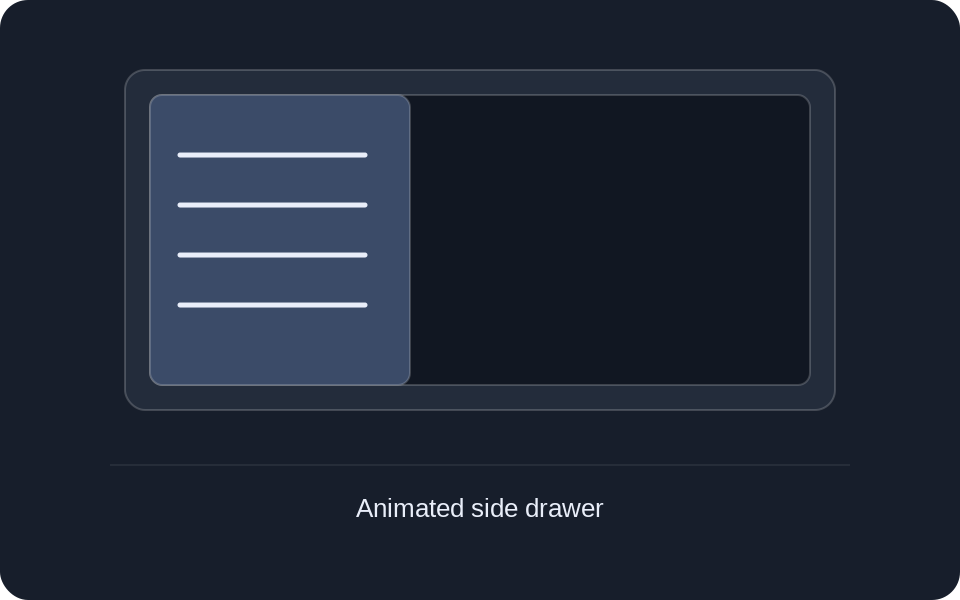
A motion drawer lets a navigation or settings panel enter from the edge while preserving page context.
Live example from UI Layouts
Motion Drawer
Installation
Use the documented UI Layouts registry command in your React project:
npx shadcn@latest add 'https://www.ui-layouts.com/r/motion-drawer.json'
The component documentation includes the full setup and dependency details.
Define closed and open positions
Translate the panel by its own width rather than a fixed pixel distance. Keep the backdrop opacity independent of the panel movement.
Choose an appropriate transition
A spring can make the motion feel responsive, but avoid excessive bounce near screen edges. Animate from the current position if a user reverses the action.
Keep hidden controls unavailable
A translated offscreen panel can still contain focusable elements. Use a modal primitive or remove closed content from keyboard navigation, and restore focus on close.
Implementation pattern
The following focused snippet demonstrates the principle, not the complete UI Layouts implementation. The live example and linked documentation contain the full source.
<motion.aside initial={{ x: '-100%' }} animate={{ x: 0 }} exit={{ x: '-100%' }}>Navigation</motion.aside>
Explore the source
Open the motion drawer component documentation for the full implementation, examples and any required dependencies. Test the interaction on a narrow screen and with keyboard navigation before adapting it to production.