Tutorials ·
How to Build a Developer Terminal Animation in React
UI Layouts
On this page
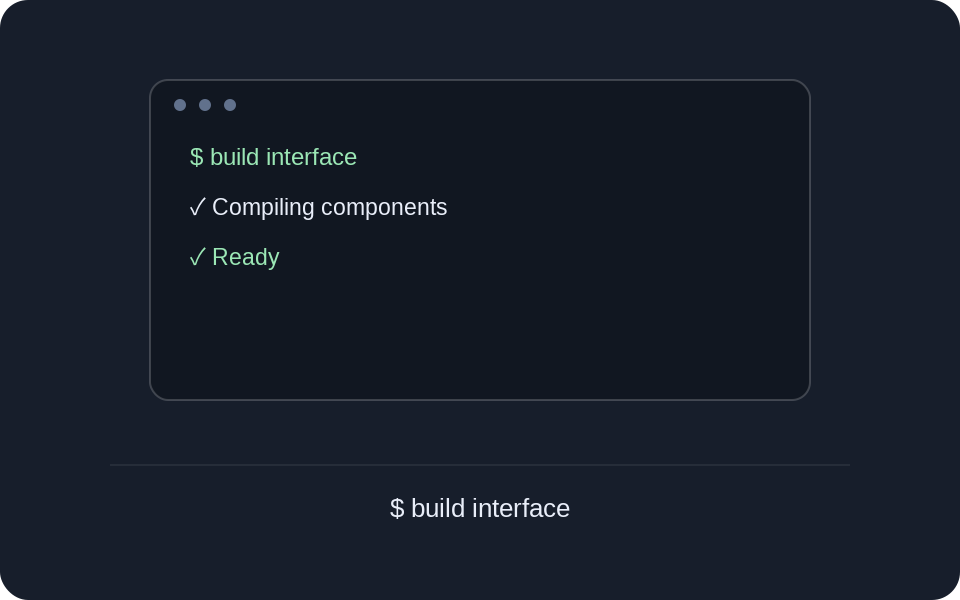
A terminal-style intro combines status messages and typing to tell a short technical story.
Live example from UI Layouts
Installation
Use the documented UI Layouts registry command in your React project:
npx shadcn@latest add 'https://www.ui-layouts.com/r/terminal-ui.json'
The component documentation includes the full setup and dependency details.
Model phases as data
Describe each step with a stable ID, label and optional output. Keep the sequence deterministic so it can restart without duplicating earlier lines.
Separate presentation from execution
The library combines shimmer and typewriter effects. If the terminal is decorative, label it as an example; if it represents real commands, update statuses only from actual execution results.
Keep the output usable
Use monospace text, allow long output to wrap or scroll, and provide a static transcript for reduced motion. Never animate sensitive credentials or logs in a public demo.
Implementation pattern
The following focused snippet demonstrates the principle, not the complete UI Layouts implementation. The live example and linked documentation contain the full source.
const phases = [{ id: 'init', label: 'Initializing' }, { id: 'build', label: 'Building' }, { id: 'done', label: 'Ready' }];
Explore the source
Open the terminal ui component documentation for the full implementation, examples and any required dependencies. Test the interaction on a narrow screen and with keyboard navigation before adapting it to production.