Tutorials ·
How to Create SVG and Text-Masked Videos in React
UI Layouts
On this page
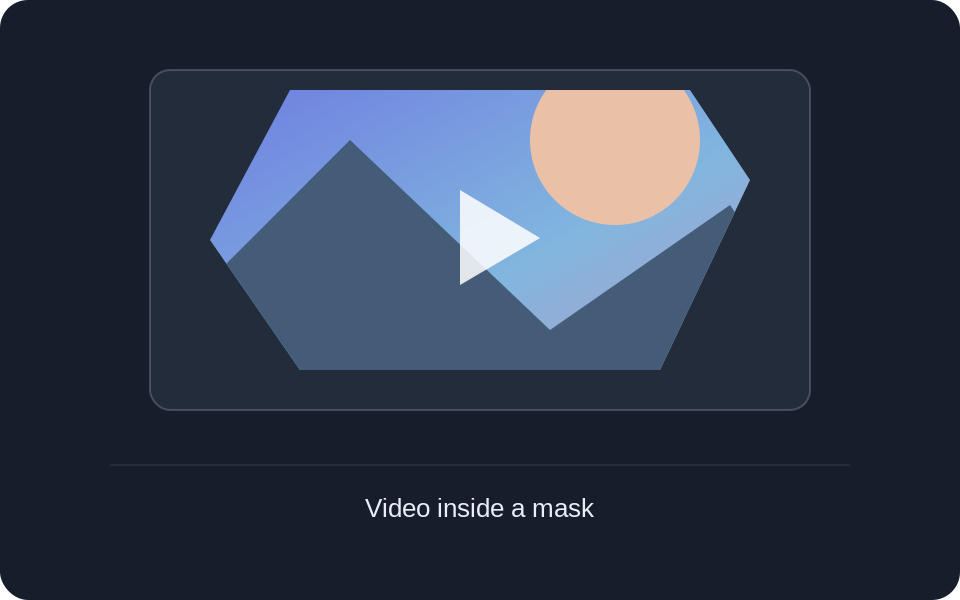
A video mask lets motion fill a shape or lettering instead of a conventional rectangular player.
Live example from UI Layouts
Apply the mask to the media layer
Choose a stable aspect ratio and use object-fit cover. The CSS mask can be an SVG shape or a text-derived silhouette, while the video stays in its original format.
Plan playback behavior
Decorative autoplay video should be muted and inline, with a poster image. Provide a pause mechanism for sustained motion and avoid autoplaying meaningful audio.
Keep the message independent
If video fills a heading, keep the actual text available to screen readers and provide a legible static style when motion is disabled or loading fails.
Implementation pattern
The following focused snippet demonstrates the principle, not the complete UI Layouts implementation. The live example and linked documentation contain the full source.
.masked-video { width: 100%; object-fit: cover; mask: url('/shape.svg') center / contain no-repeat; }
Explore the source
Open the video masking component documentation for the full implementation, examples and any required dependencies. Test the interaction on a narrow screen and with keyboard navigation before adapting it to production.