Tutorials ·
Designing a dual-range slider for React filters
UI Layouts
On this page
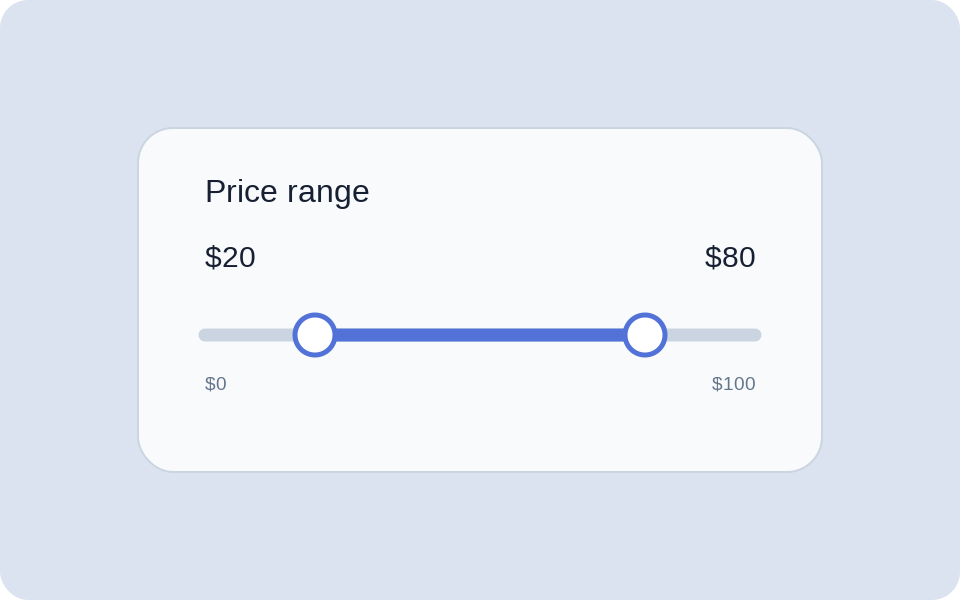
A dual-range slider represents two values, such as a price or temperature interval. The difficult part is keeping the endpoints valid while making both thumbs independently operable.
Live component
Define the data model
Represent the range as an ordered pair, with the unit and bounds outside the visual component. Decide whether the two thumbs may touch and whether crossing swaps their meaning or is prohibited.
Clamp before rendering
Apply min, max and step consistently to changes from pointer, keyboard and typed inputs. Derive the track fill from the normalized percentages of the two endpoints rather than storing separate pixel positions.
Support direct entry
Display both values with their units and offer inputs for exact values when precision matters. For each thumb provide a distinct accessible name such as Minimum price or Maximum price.
Implementation example
The following focused example illustrates the technique. Use the linked component or block for the complete implementation.
function normalizeRange(low: number, high: number, min: number, max: number) {
  const clamp = (value: number) => Math.max(min, Math.min(max, value));
  const a = clamp(low), b = clamp(high);
  return [Math.min(a, b), Math.max(a, b)] as const;
}
Before shipping
This helper sorts endpoints; use thumb-specific clamping instead if the thumbs must never swap. Test equal endpoints and keyboard Home/End.