Tutorials ·
Build an Infinite Logo Carousel for SaaS Landing Pages
UI Layouts
On this page
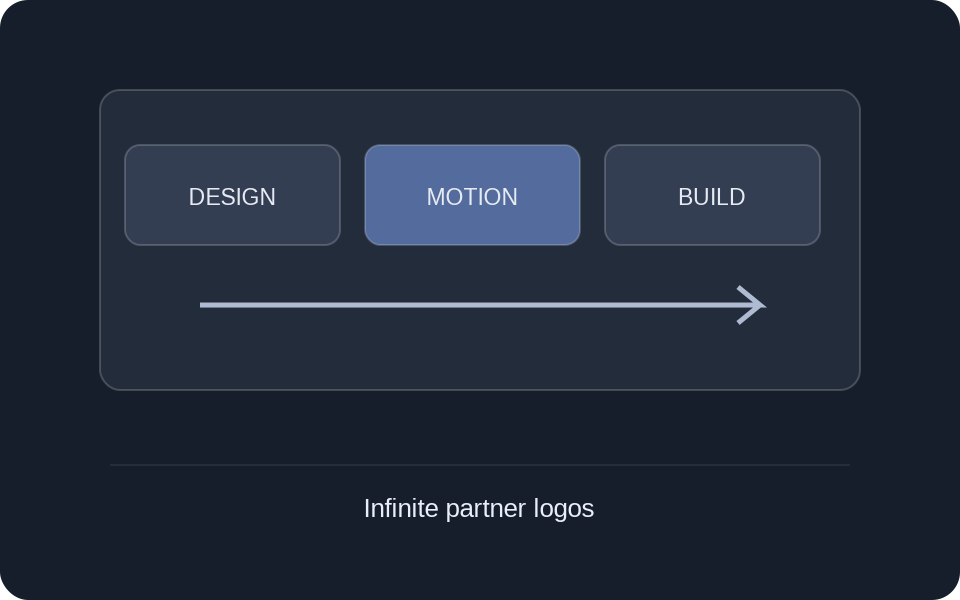
A brand logo strip communicates customer or partner relationships without taking much vertical space.
Live example from UI Layouts
Use verified relationships
Include logos only when the relationship is real and use is permitted. Add meaningful names or accompanying text rather than relying on brand recognition.
Normalize visual weight
Place logos in equal-height cells and preserve aspect ratios. Use monochrome artwork only where the brand permits it and maintain contrast across themes.
Loop without distracting readers
Repeat the sequence for a seamless strip, keep animation slow and provide a static display in reduced-motion mode. A stationary logo grid is often a better default for a short list.
Implementation pattern
The following focused snippet demonstrates the principle, not the complete UI Layouts implementation. The live example and linked documentation contain the full source.
.logo-strip img { width: auto; height: 2rem; object-fit: contain; flex: none; }
Explore the source
Open the infinity brand component documentation for the full implementation, examples and any required dependencies. Test the interaction on a narrow screen and with keyboard navigation before adapting it to production.