Guides & Collections ·
Which UI blocks do you need for a SaaS landing page?
UI Layouts
On this page
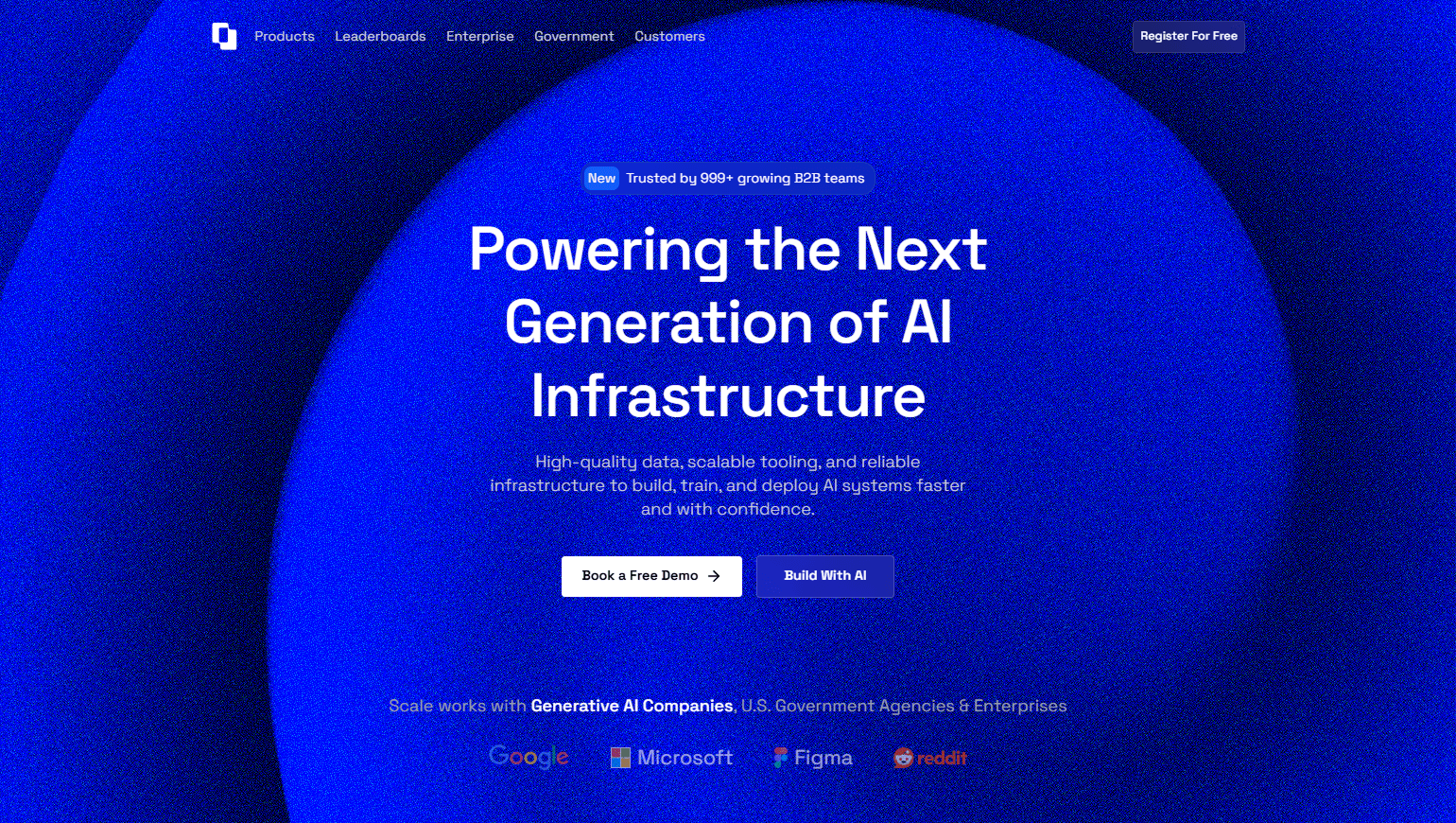
A landing page is a sequence of questions a visitor needs answered. Using reusable sections is helpful only if each section moves the visitor toward an informed decision.
Establish purpose before detail
Start with a hero that names the product and intended audience. Follow with a feature section that explains two or three distinct workflows, not a second version of the same headline.
Provide evidence and terms
Use verifiable stats and approved testimonials to support the claims. Include pricing when it is appropriate to the buying journey, then answer the questions that still prevent a decision.
Finish with navigation
Close with a clear action and a footer that links to documentation, support and relevant policies. Keep headings in a logical order and avoid combining all example blocks just because they are available.
Implementation example
The following focused example illustrates the technique. Use the linked component or block for the complete implementation.
<main>
  <section><h1>Product promise</h1></section>
  <section><h2>Features</h2></section>
  <section><h2>Customer evidence</h2></section>
  <section><h2>Pricing and questions</h2></section>
</main>
Before shipping
Browse feature blocks, testimonials, pricing and FAQs. Test the page with a real product story rather than placeholder copy.