Tutorials ·
How to Recreate the macOS Dock Magnification Effect in React
UI Layouts
On this page
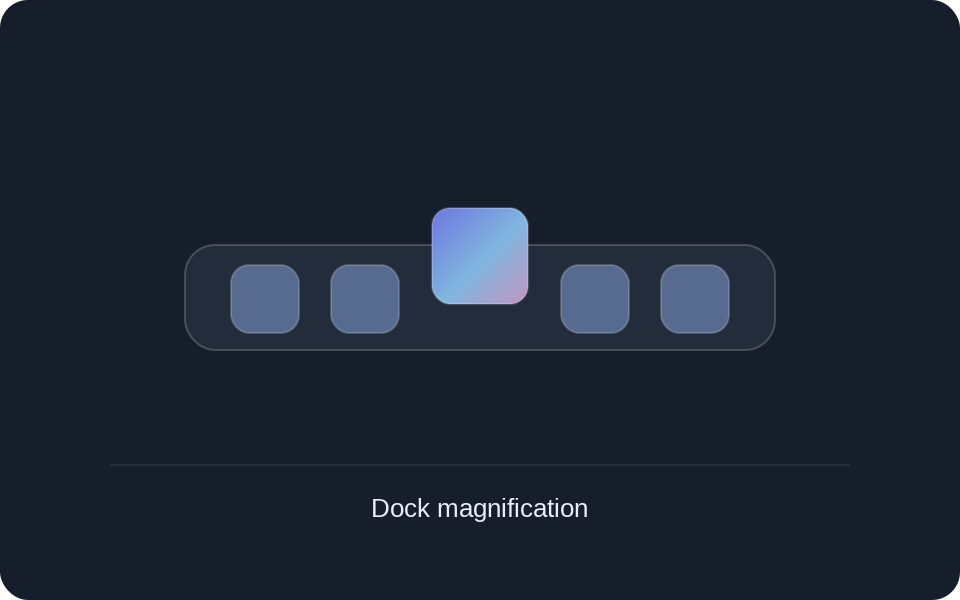
Dock magnification emphasizes the item closest to a pointer while nearby icons respond more subtly.
Live example from UI Layouts
Measure distance from each icon center
Use the pointer's position relative to the toolbar and compute each icon's distance. Map that distance to scale using a falloff function.
Keep the baseline layout stable
Use transforms and an appropriate transform origin instead of repeatedly changing all icon widths. If actual width changes are essential, bound the expansion so items do not leave the viewport.
Support keyboard and touch
Keep labels and accessible names independent of magnification. Keyboard focus can provide a visual emphasis without needing pointer coordinates; disable optional motion as requested.
Implementation pattern
The following focused snippet demonstrates the principle, not the complete UI Layouts implementation. The live example and linked documentation contain the full source.
const magnify = (distance: number, radius = 100) => 1 + .6 * Math.max(0, 1 - Math.abs(distance) / radius);
Explore the source
Open the magnified doc component documentation for the full implementation, examples and any required dependencies. Test the interaction on a narrow screen and with keyboard navigation before adapting it to production.