Tutorials ·
How to Add Copyable Installation Code Tabs to MDX Documentation in Next.js
UI Layouts
On this page
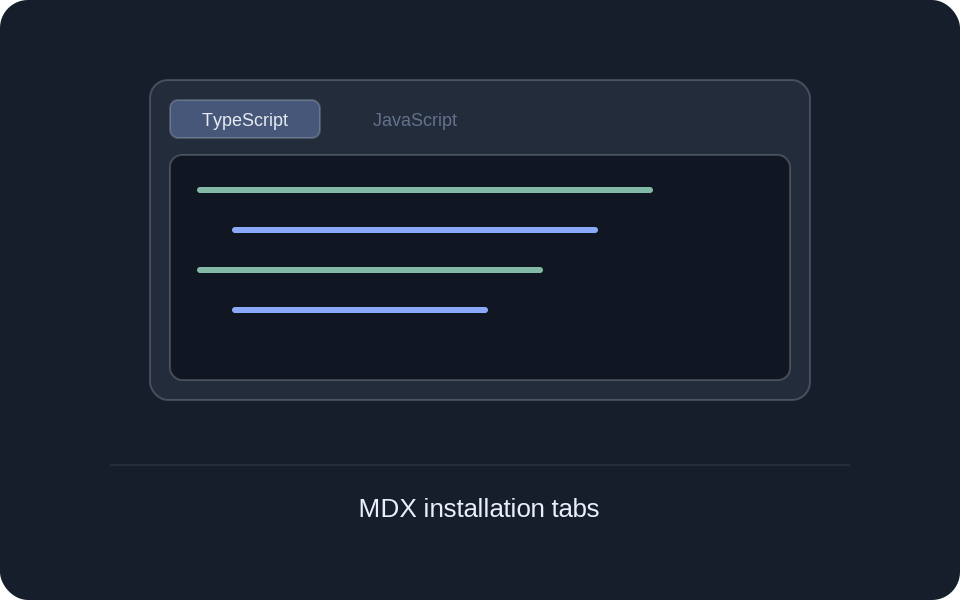
MDX can render interactive code examples alongside prose, which makes it useful for component installation guides.
Live example from UI Layouts
npx uilayouts@latest add liquid-gradient
Use the actual MDX component
The UI Layouts documentation uses CodeTabsMdx to parse code fence children and highlight them through the site's Shiki helper. It is specialized for one snippet or a pair of installation commands.
Keep two commands equivalent
The two-tab implementation labels its alternatives UI Layouts and shadcn. Each command should install the same component through a different supported mechanism; do not present arbitrary languages using those labels.
Map MDX components centrally
Register the wrapper in mdx-components.tsx so authors can write normal code fences. Preserve the original source for copying and handle a single fence without forcing unnecessary tabs.
Implementation pattern
The rendered pair above is the working authoring example. In your MDX file, wrap the two fenced commands in a CodeTabsMdx element and register it in the MDX component map.
Explore the source
Open the code tabs mdx component documentation for the full implementation, examples and any required dependencies. Test the interaction on a narrow screen and with keyboard navigation before adapting it to production.