Tutorials ·
How to Build a Draggable Image Carousel with React and Framer Motion
UI Layouts
On this page
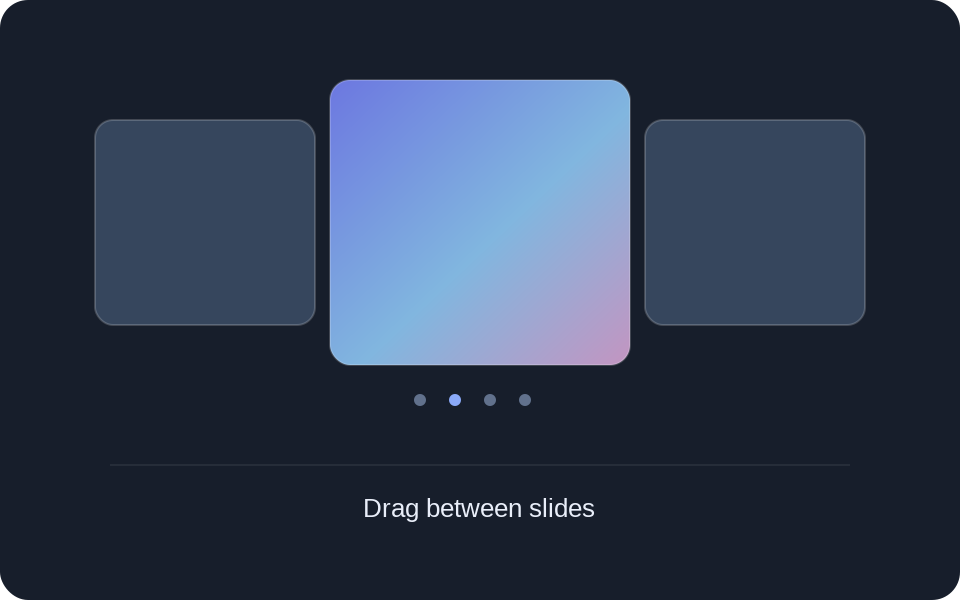
A Motion-powered carousel gives you control over transitions, drag and visual emphasis.
Live example from UI Layouts


Use a stable selected index
Track the active slide in state and use stable IDs for rendered items. Derive the transform from the selected item rather than allowing drag to mutate the index continuously.
Commit drag deliberately
Decide whether to change slides based on distance or velocity. Clamp the index at the boundaries unless looping is intentionally implemented.
Avoid gesture conflicts
A horizontal drag should not block vertical page scrolling. Provide conventional next and previous controls, and make autoplay optional and pausable.
Implementation pattern
The following focused snippet demonstrates the principle, not the complete UI Layouts implementation. The live example and linked documentation contain the full source.
const targetIndex = (index: number, delta: number, count: number) => Math.max(0, Math.min(count - 1, index + delta));
Explore the source
Open the framer carousel component documentation for the full implementation, examples and any required dependencies. Test the interaction on a narrow screen and with keyboard navigation before adapting it to production.