Tutorials ·
How to Build a Drag-and-Drop Dashboard with React and Swapy
UI Layouts
On this page
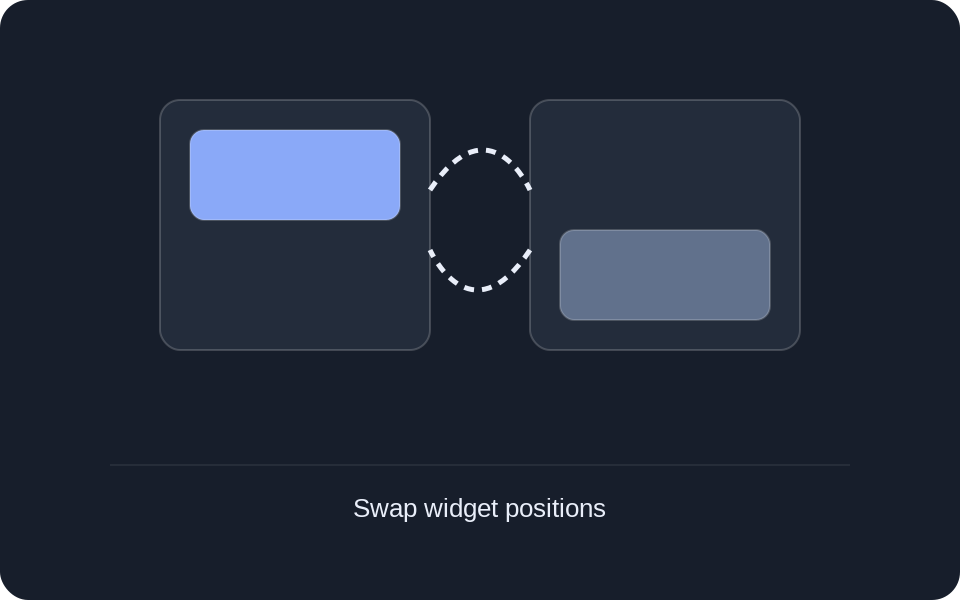
Rearrange dashboard widgets without implementing a collision engine from scratch.
Live example from UI Layouts
⚡ Turbocharge Everything
🧠 Brainy Decisions
🌈 Magical Moments
🚀 Innovate Like Crazy
💰 Save Big, Smile More
🔮 AI Vibes Only
Installation
Use the documented UI Layouts registry command in your React project:
npx shadcn@latest add 'https://www.ui-layouts.com/r/swapy.json'
The component documentation includes the full setup and dependency details.
Give slots and items stable identities
Swapy models positions separately from the items occupying them. Keep stable IDs even after a swap; using array indices as identities can move state to the wrong widget.
Persist the mapping
The documented onSwap callback provides the new slot-item map. Save that mapping rather than DOM positions so the user's layout can be restored on a later visit.
Provide a drag handle and an alternative
A handle avoids stealing clicks from chart controls. Add accessible move-up and move-down buttons or another keyboard reordering mechanism.
Implementation pattern
The following focused snippet demonstrates the principle, not the complete UI Layouts implementation. The live example and linked documentation contain the full source.
type Placement = { slot: string; item: string };
const serializeLayout = (placements: Placement[]) => JSON.stringify(placements);
Explore the source
Open the swapy component documentation for the full implementation, examples and any required dependencies. Test the interaction on a narrow screen and with keyboard navigation before adapting it to production.