Tutorials ·
How to Build an Interactive File Tree and Code Viewer in React
UI Layouts
On this page
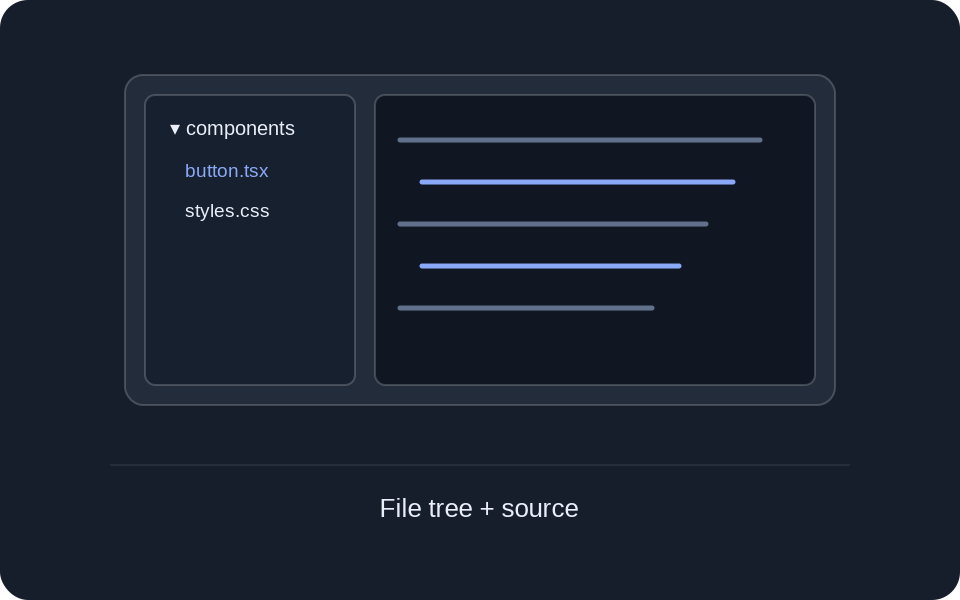
A file tree viewer helps documentation readers understand where multiple code snippets belong.
Live example from UI Layouts
Installation
Use the documented UI Layouts registry command in your React project:
npx shadcn@latest add 'https://www.ui-layouts.com/r/tree-code-viewer.json'
The component documentation includes the full setup and dependency details.
Represent folders and files explicitly
Use stable paths as identities and distinguish folder nodes from files. Store the selected file path rather than an array index that changes when folders expand.
Synchronize the selected content
When a file is selected, render the corresponding source with the correct language. Keep folders expandable without changing the current file unnecessarily.
Provide a usable narrow layout
On small screens, allow the tree to collapse above the code viewer. Provide accessible expansion controls and copy only the selected source.
Implementation pattern
The following focused snippet demonstrates the principle, not the complete UI Layouts implementation. The live example and linked documentation contain the full source.
type FileNode = { type: 'file'; path: string; code: string } | { type: 'folder'; path: string; children: FileNode[] };
Explore the source
Open the tree code viewer component documentation for the full implementation, examples and any required dependencies. Test the interaction on a narrow screen and with keyboard navigation before adapting it to production.