Tutorials ·
Building a reliable drag-and-drop file upload in React
UI Layouts
On this page
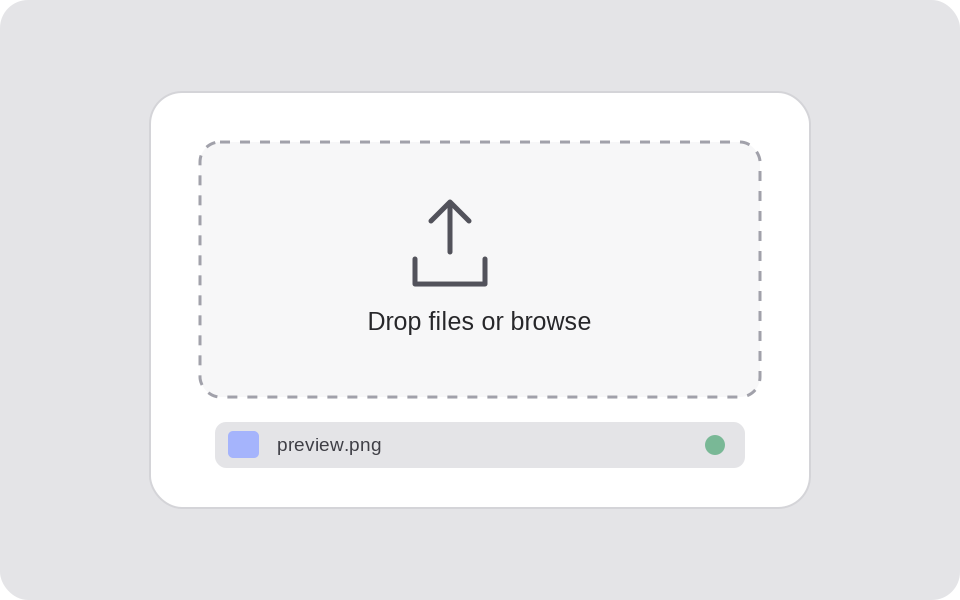
A good upload control gives immediate feedback without hiding the ordinary file picker. Drag-and-drop should be an enhancement of a standard input, not the only way to attach files.
Live component
Click to upload or drag and drop
SVG, PNG, JPG or GIF
Validate at both boundaries
Use the input accept attribute as a picker hint, and validate size and type before adding files to a queue. Revalidate on the server because client-side MIME types and filenames are not trustworthy.
Manage previews explicitly
Object URLs are convenient for local image previews. Revoke them when files are removed or when the component unmounts. Avoid uploading before the user understands which files have been selected.
Expose the upload lifecycle
Show individual progress, retryable failures and an explicit remove action. Keep the label associated with the input, and announce meaningful status changes without announcing every percentage increment.
Implementation example
The following focused example illustrates the technique. Use the linked component or block for the complete implementation.
const MAX_BYTES = 5 * 1024 * 1024;
function canPreview(file: File) {
  return ['image/jpeg', 'image/png', 'image/webp'].includes(file.type) && file.size <= MAX_BYTES;
}
Before shipping
Test invalid files, multiple selections, canceled uploads and keyboard-only operation. The client check is not a security boundary.