Tutorials ·
Build an Animated Photo Gallery with a React Lightbox
UI Layouts
On this page

A gallery lightbox gives readers a closer look at a photograph while preserving their position in the collection.
Live example from UI Layouts

Golden Hour Glow

Snowy Mountain Highway
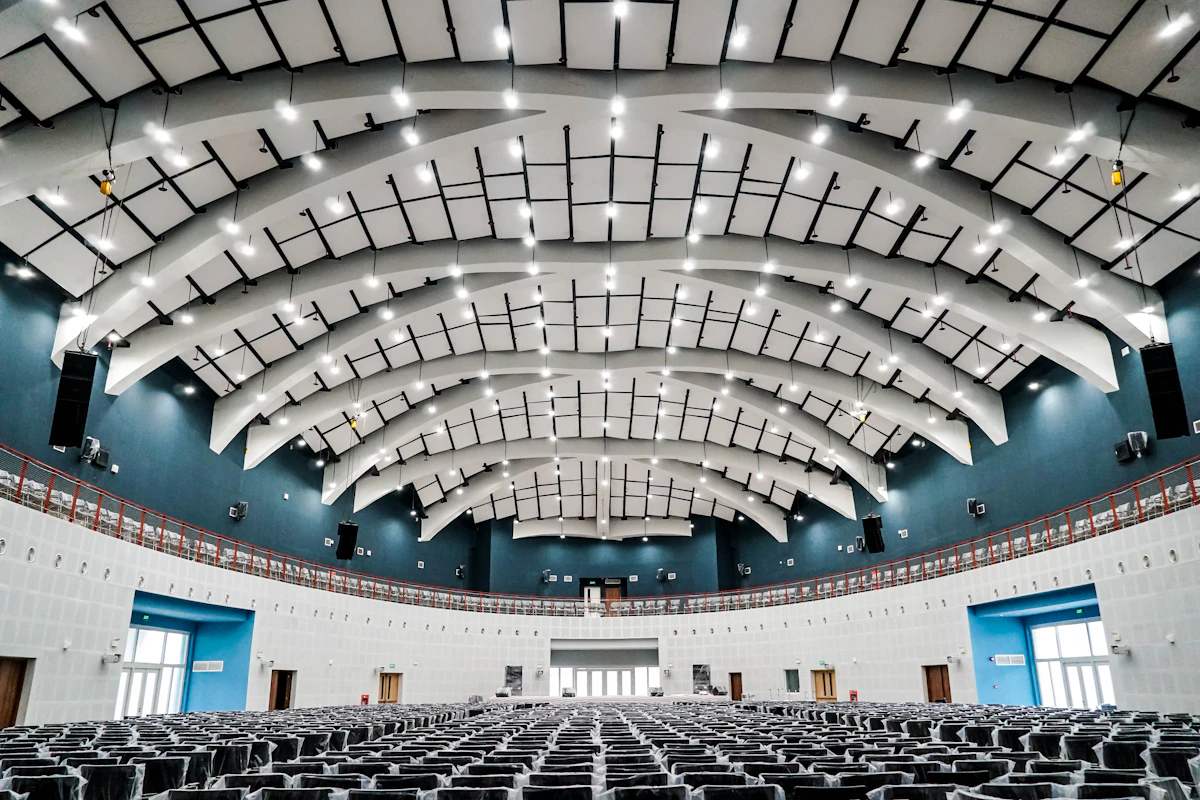
Foggy Mountain Forest

Sunset Mountain Silhouette

Alpine Meadow Bliss

Mountain Lake Serenity
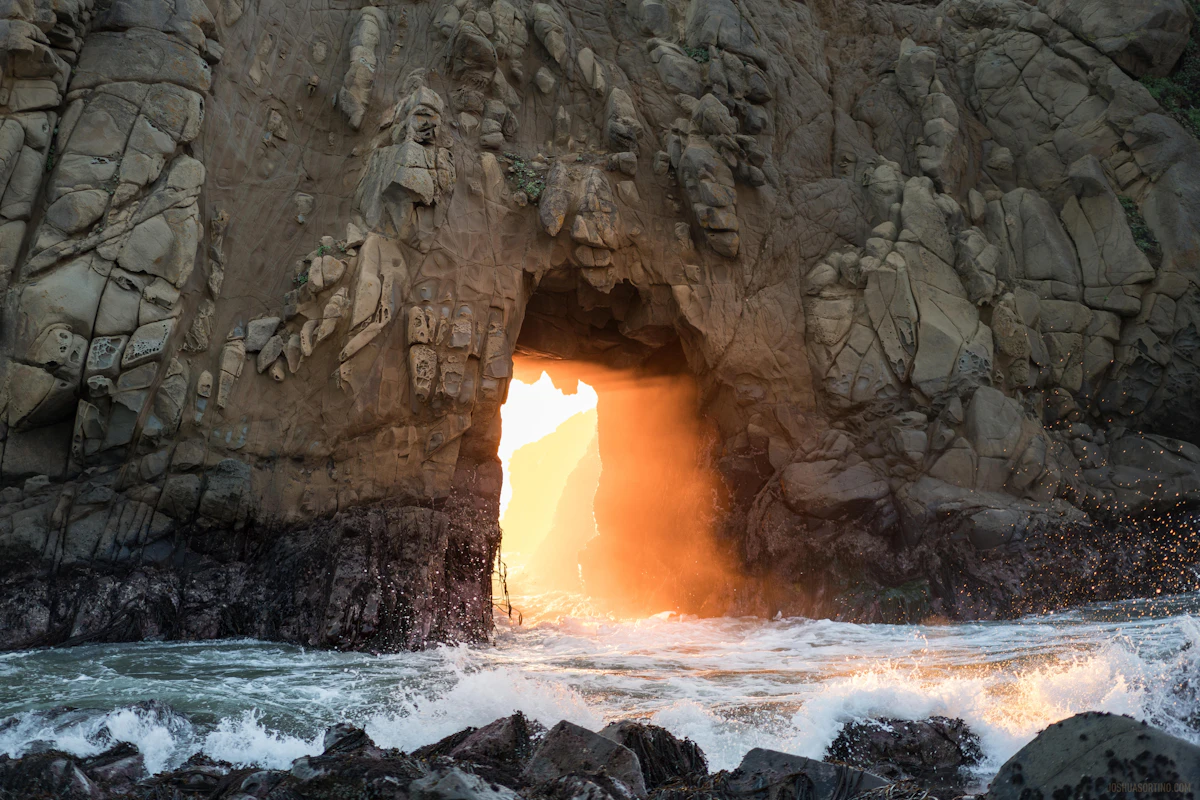
Icy Mountain Stream
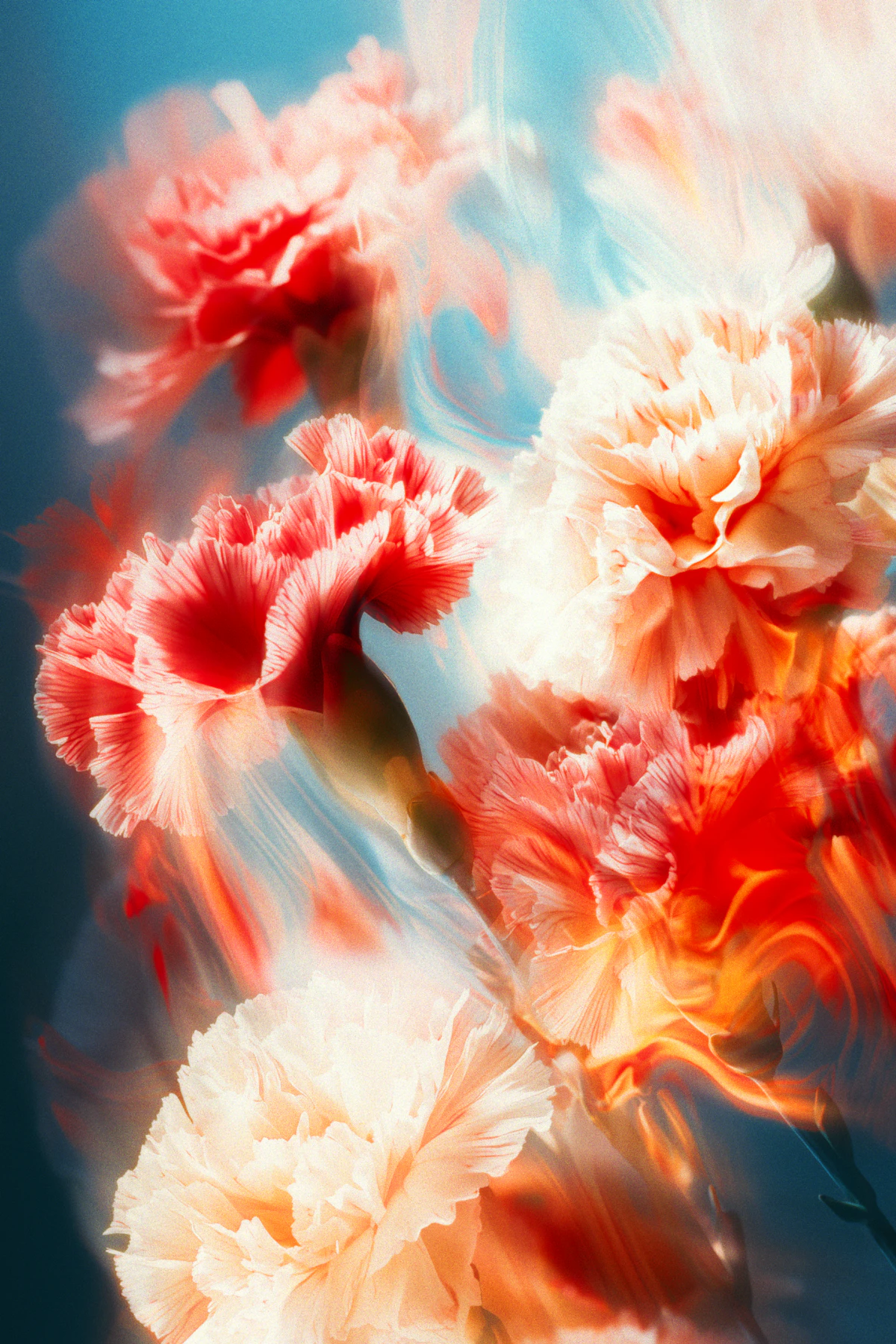
Wildflower Mountain Meadow

Mountain Valley Vista
Maintain a stable gallery index
Track the selected photo by ID and derive its position from the current list. If the list changes, close gracefully or select an item that still exists.
Reserve image dimensions
Use thumbnail dimensions to prevent layout shift and load the larger asset when necessary. Keep the original crop or provide a clearly intentional alternate crop in the overlay.
Support gallery navigation
Give users previous, next and close buttons, keyboard navigation and descriptive photo alternatives. Return focus to the originating thumbnail when closing.
Implementation pattern
The following focused snippet demonstrates the principle, not the complete UI Layouts implementation. The live example and linked documentation contain the full source.
const nextIndex = (index: number, count: number) => count ? (index + 1) % count : 0;
Explore the source
Open the gallery modal component documentation for the full implementation, examples and any required dependencies. Test the interaction on a narrow screen and with keyboard navigation before adapting it to production.