Tutorials ·
How to Build Multi-Language Code Tabs with Syntax Highlighting in React
UI Layouts
On this page
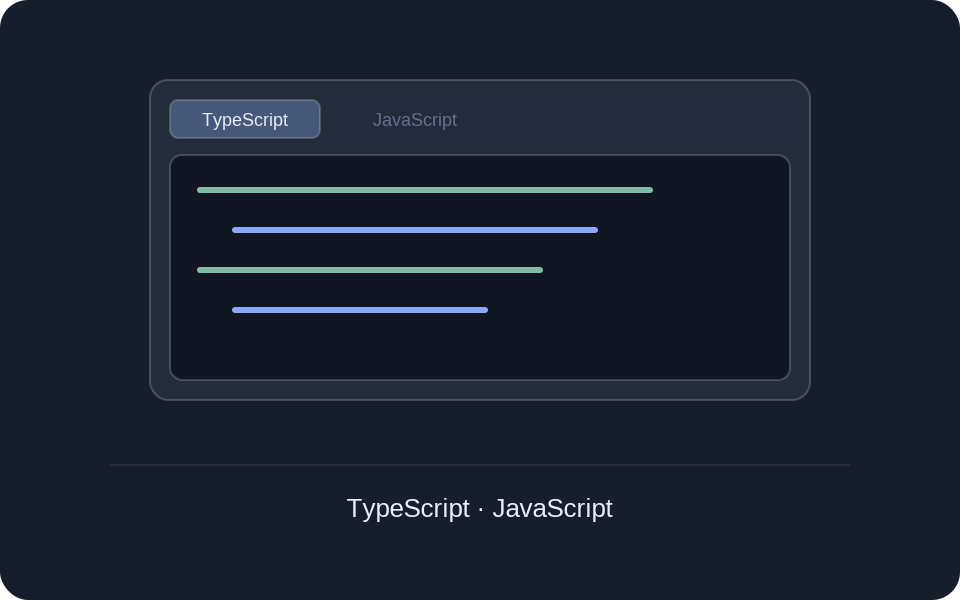
Code tabs let documentation show equivalent JavaScript, TypeScript or configuration examples without duplicating the entire page.
Live example from UI Layouts
Installation
Use the documented UI Layouts registry command in your React project:
npx shadcn@latest add 'https://www.ui-layouts.com/r/code-tabs.json'
The component documentation includes the full setup and dependency details.
Model snippets as records
Each item needs a stable ID, label, language and raw source. Keep the selected ID separate from highlighted output so switching tabs does not change the underlying code.
Use the same interaction semantics as other tabs
Support arrow-key navigation, associate each tab with a panel and keep the active label visible. Long source should scroll inside its panel rather than across the page.
Copy the selected source
Copy from the active record and report success only when the clipboard operation finishes. Ensure the examples remain equivalent and maintain a sensible default language.
Implementation pattern
The following focused snippet demonstrates the principle, not the complete UI Layouts implementation. The live example and linked documentation contain the full source.
type Snippet = { id: string; label: string; language: string; source: string };
const active = snippets.find(item => item.id === selectedId);
Explore the source
Open the code tabs component documentation for the full implementation, examples and any required dependencies. Test the interaction on a narrow screen and with keyboard navigation before adapting it to production.