Tutorials ·
How to Animate Elements on Scroll in React with Motion
UI Layouts
On this page
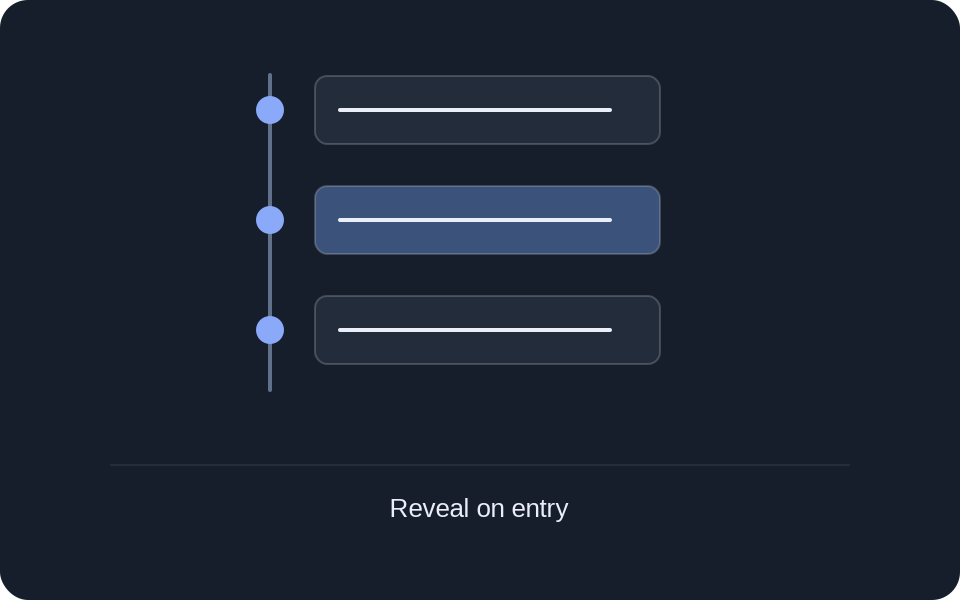
Scroll reveals help a page introduce content gradually, but must not delay reading or navigation.
Live example from UI Layouts
Scroll Down 👇


Installation
Use the documented UI Layouts registry command in your React project:
npx shadcn@latest add 'https://www.ui-layouts.com/r/scroll-animation.json'
The component documentation includes the full setup and dependency details.
Animate visibility rather than layout
Use an initial opacity and small translate, then reveal when the element enters view. Keep its layout dimensions present from the start.
Choose one-time or repeated animation
The library includes default, repeat and text examples. A one-time entrance suits long articles; repeated motion works for a small demonstration where replay is valuable.
Respect reduced motion
Render content immediately in reduced-motion mode and avoid hiding headings if an observer never fires. Test deep links and scrolling back to a previously viewed section.
Implementation pattern
The following focused snippet demonstrates the principle, not the complete UI Layouts implementation. The live example and linked documentation contain the full source.
<motion.div initial={{ opacity: 0, y: 16 }} whileInView={{ opacity: 1, y: 0 }} viewport={{ once: true }}>Content</motion.div>
Explore the source
Open the scroll animation component documentation for the full implementation, examples and any required dependencies. Test the interaction on a narrow screen and with keyboard navigation before adapting it to production.