Tutorials ·
How to Build Shimmer Loaders and AI Progress Indicators in React
UI Layouts
On this page
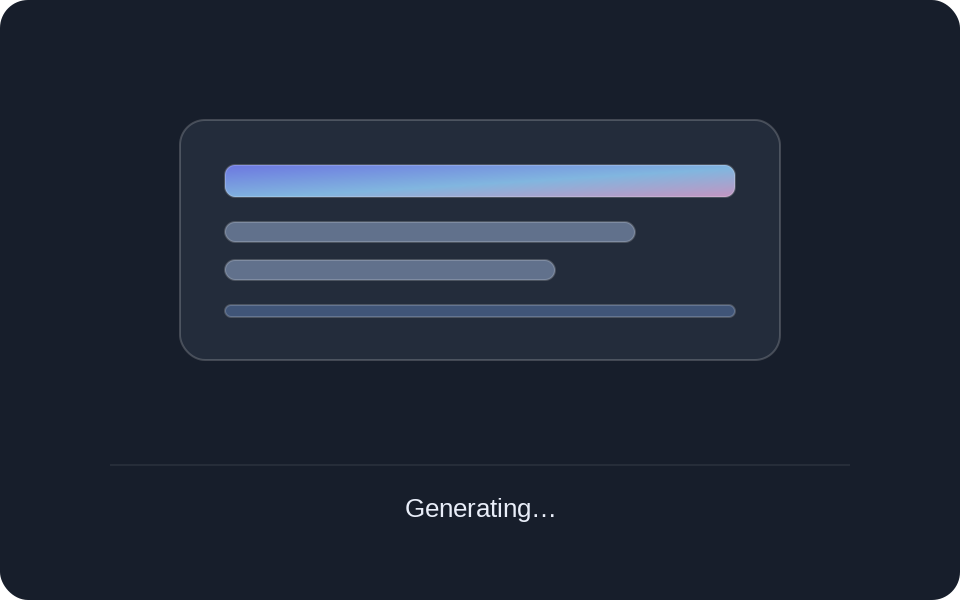
A shimmer loader communicates ongoing work without claiming more progress than the application knows.
Live example from UI Layouts
Installation
Use the documented UI Layouts registry command in your React project:
npx shadcn@latest add 'https://www.ui-layouts.com/r/shimmer-loader.json'
The component documentation includes the full setup and dependency details.
Distinguish progress from activity
Use an indeterminate shimmer when there is no reliable total. Show a percentage only when the backend supplies measurable completed and total work.
Keep text and state separate
The library includes labels, icons and numeric indicators. The underlying status should change with real operation events rather than a decorative timer.
Handle completion and errors
Remove the loading state when work finishes, expose retryable errors and avoid announcing every intermediate token count. Provide a static loading label under reduced motion.
Implementation pattern
The following focused snippet demonstrates the principle, not the complete UI Layouts implementation. The live example and linked documentation contain the full source.
<div role='status' aria-live='polite'>{loading ? 'Preparing your result…' : 'Ready'}</div>
Explore the source
Open the shimmer loader component documentation for the full implementation, examples and any required dependencies. Test the interaction on a narrow screen and with keyboard navigation before adapting it to production.