Tutorials ·
How to Build a Typewriter Text Animation in React
UI Layouts
On this page
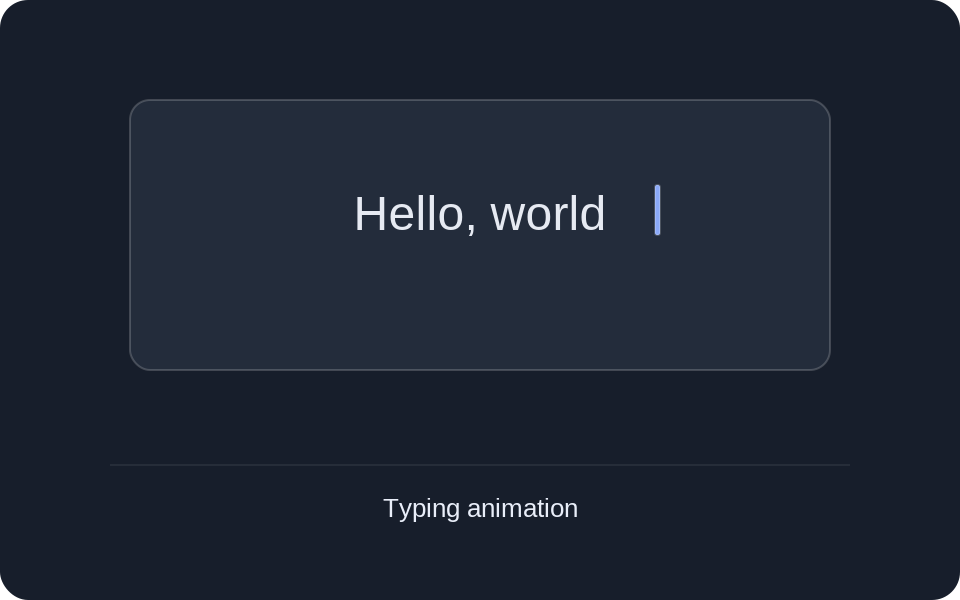
A typewriter effect reveals short text progressively while the final phrase stays stable.
Live example from UI Layouts
Installation
Use the documented UI Layouts registry command in your React project:
npx shadcn@latest add 'https://www.ui-layouts.com/r/type-writer.json'
The component documentation includes the full setup and dependency details.
Keep the target and visible prefix separate
Store the full string and a character index. Reset cleanly when the target changes and handle Unicode grapheme clusters if the text can contain emoji or combining marks.
Clean up timer work
Use a timer or animation loop that is canceled on unmount and when the input changes. The library exposes speed and completion options; do not use animation completion as proof of unrelated network work.
Make the final message accessible
Provide the complete text to assistive technology and avoid live announcements for each character. Under reduced motion, show the finished string immediately.
Implementation pattern
The following focused snippet demonstrates the principle, not the complete UI Layouts implementation. The live example and linked documentation contain the full source.
const segmenter = new Intl.Segmenter(undefined, { granularity: 'grapheme' });
const characters = Array.from(segmenter.segment(message), ({ segment }) => segment);
const visibleText = characters.slice(0, index).join('');
Explore the source
Open the type writer component documentation for the full implementation, examples and any required dependencies. Test the interaction on a narrow screen and with keyboard navigation before adapting it to production.