UI Blocks ·
How to Design a High-Converting SaaS Hero Section with React and Tailwind CSS
UI Layouts
On this page
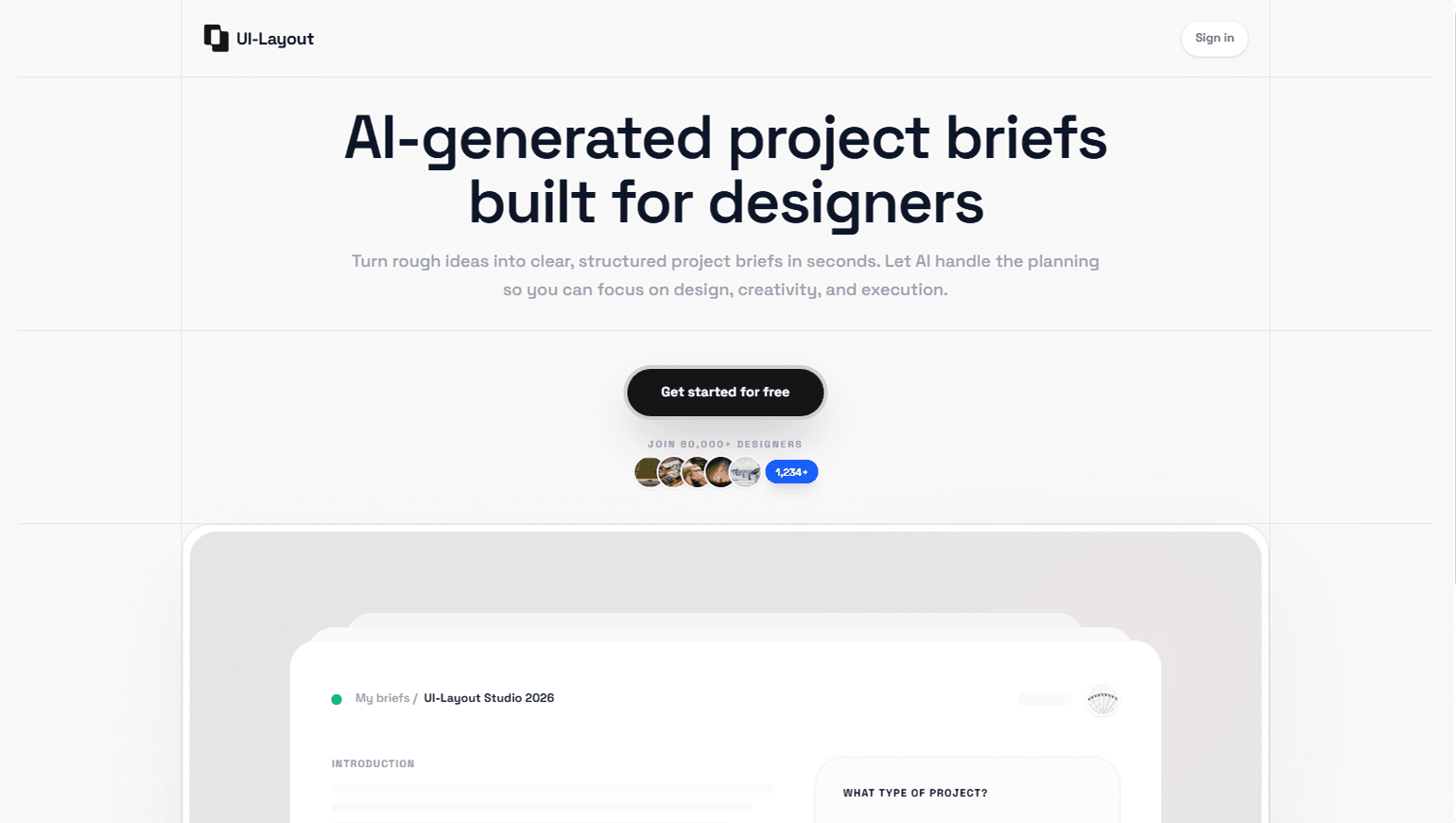
A SaaS hero should explain what the product does before showing off how it looks. Start with the value proposition and a concrete visual demonstration, then use the AI Value Proposition block to explore composition.
Write the promise first
Use a headline that names the user outcome and a short supporting sentence that identifies the audience or workflow. Put the primary call to action immediately after the explanation; reserve secondary links for lower-commitment tasks.
Build a stable visual composition
At desktop widths, use two columns when the product screenshot supports the text. At narrow widths stack the content first and image second. Give the screenshot an explicit aspect ratio and avoid placing essential copy inside the image.
Connect to the next section
Use features to explain the promise and testimonials or measured results to support it. The hero is not the place to list every integration. Keep animation subordinate to the CTA and preserve the reading order.
Implementation example
The following focused example illustrates the technique. Use the linked component or block for the complete implementation.
<section className='mx-auto grid max-w-6xl gap-10 px-6 py-20 md:grid-cols-2 md:items-center'>
  <div><h1 className='text-4xl font-medium'>Ship your work faster</h1><p className='mt-4'>One workspace for your team.</p><a className='mt-6 inline-block underline' href='/get-started'>Get started</a></div>
  <div className='aspect-video rounded-2xl bg-neutral-200' aria-hidden='true' />
</section>
Before shipping
Replace the decorative placeholder with a real product visual. Check the main CTA on mobile and avoid unsupported claims.