Tutorials ·
How to Reveal Text on Scroll in React
UI Layouts
On this page
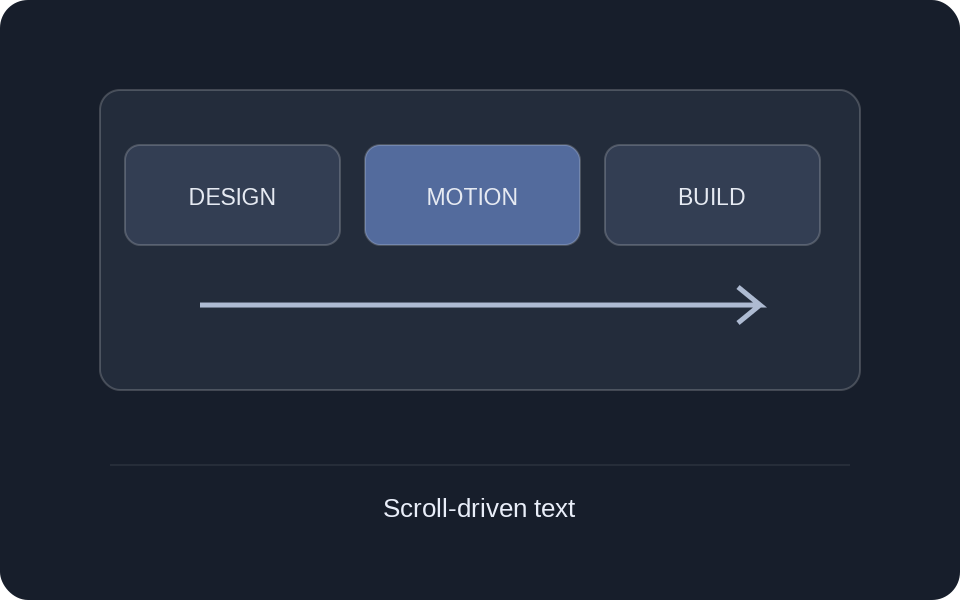
Reveal a line of text when it enters the viewport. The scroll position triggers the transition, and the animation then plays to completion.
Live example from UI Layouts
Scroll Down👇
Creative ideas start here.
Let's team up and turn ideas into reality ✨
Turning concepts into reality
Dream big, work hard & achieve greatness
Installation
Use the documented UI Layouts registry command in your React project:
npx shadcn@latest add 'https://www.ui-layouts.com/r/scroll-text.json'
The component documentation includes the full setup and dependency details.
Trigger the reveal in the viewport
TextAnimation uses Motion’s whileInView to switch from hidden to visible variants. Use a viewport threshold to choose how much of the text needs to appear before the reveal starts.
Choose an entrance direction
Give the text a small vertical or horizontal offset in the hidden variant. Animate it back to its resting position when it enters the viewport. The live example also demonstrates staggering individual letters.
Keep text readable
Provide an ordinary static version of meaningful content. Avoid linking headline legibility to a particular scroll position or requiring a user to scroll to read a sentence.
Implementation pattern
The following focused snippet demonstrates the principle, not the complete UI Layouts implementation. The live example and linked documentation contain the full source.
<motion.p
  initial={{ opacity: 0, y: 20 }}
  whileInView={{ opacity: 1, y: 0 }}
  viewport={{ once: true, amount: 0.25 }}
>
  Creative ideas start here.
</motion.p>
Explore the source
Open the scroll text component documentation for the full implementation, examples and any required dependencies. Test the interaction on a narrow screen and with keyboard navigation before adapting it to production.