Tutorials ·
Build a Scroll-Velocity Marquee with React and Motion
UI Layouts
On this page
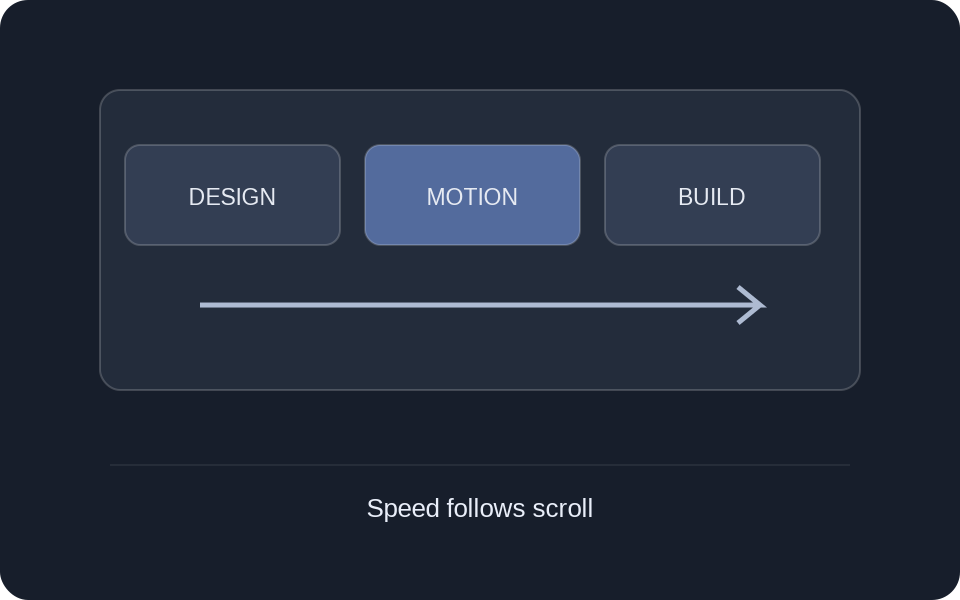
A velocity-reactive marquee speeds up and can change direction as the visitor scrolls.
Live example from UI Layouts
Installation
Use the documented UI Layouts registry command in your React project:
npx shadcn@latest add 'https://www.ui-layouts.com/r/scroll-text-marquee.json'
The component documentation includes the full setup and dependency details.
Measure velocity separately from position
Scroll position tells you where the page is, while velocity tells you how quickly it is moving. Smooth the latter before mapping it to animation speed to reduce jitter.
Wrap without a visible jump
Repeat a strip of equal-width content and wrap its translation within one repetition. Recalculate the repeat width if the font or viewport changes.
Keep motion controllable
Limit maximum speed and provide a still state when reduced motion is requested. A marquee containing essential information also needs a static accessible representation.
Implementation pattern
The following focused snippet demonstrates the principle, not the complete UI Layouts implementation. The live example and linked documentation contain the full source.
const clampVelocity = (velocity: number) => Math.max(-3, Math.min(3, velocity));
Explore the source
Open the scroll text marquee component documentation for the full implementation, examples and any required dependencies. Test the interaction on a narrow screen and with keyboard navigation before adapting it to production.