Tutorials ·
How to Build a Text Scramble and Reveal Animation in React
UI Layouts
On this page
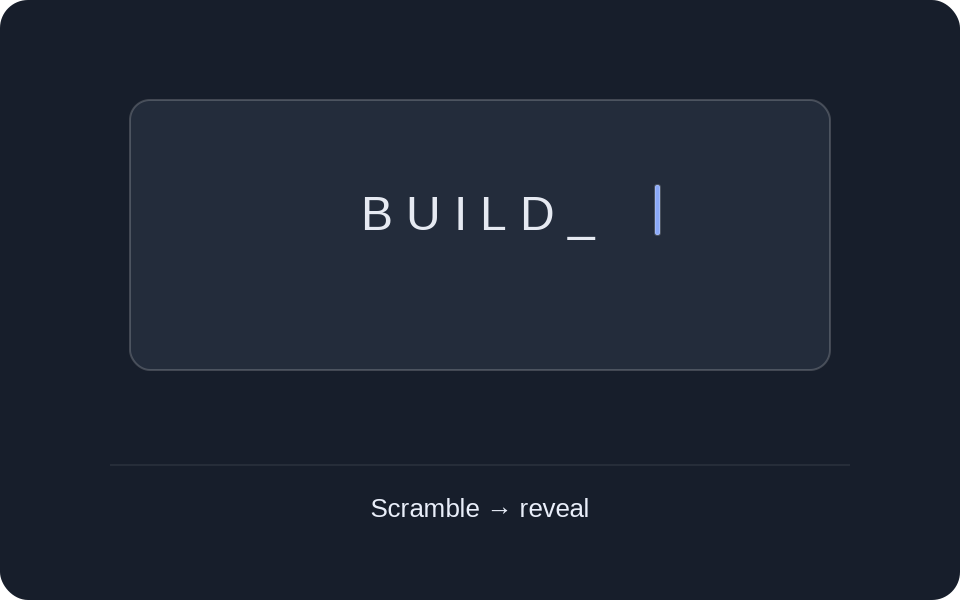
A text scramble briefly replaces characters before resolving into a stable phrase.
Live example from UI Layouts
Keep the target string unchanged
Store the original phrase separately from the transient characters. Advance the resolved prefix over time instead of mutating the original content.
Choose the character alphabet
Limit decorative characters to a set that matches the visual style, and avoid breaking grapheme clusters in multilingual text. Clear timers when the phrase changes or the component unmounts.
Expose the final phrase
Assistive technology should receive the target text rather than dozens of meaningless character updates. Skip the scramble when reduced motion is requested.
Implementation pattern
The following focused snippet demonstrates the principle, not the complete UI Layouts implementation. The live example and linked documentation contain the full source.
const segmenter = new Intl.Segmenter(undefined, { granularity: 'grapheme' });
const frame = (target, count, alphabet) =>
  Array.from(segmenter.segment(target), ({ segment }, index) =>
    index < count || segment === ' '
      ? segment
      : alphabet[Math.floor(Math.random() * alphabet.length)]
  ).join('');
Explore the source
Open the randomized text effect component documentation for the full implementation, examples and any required dependencies. Test the interaction on a narrow screen and with keyboard navigation before adapting it to production.