Tutorials ·
How to Create a Water Ripple Image Effect with React Three Fiber
UI Layouts
On this page
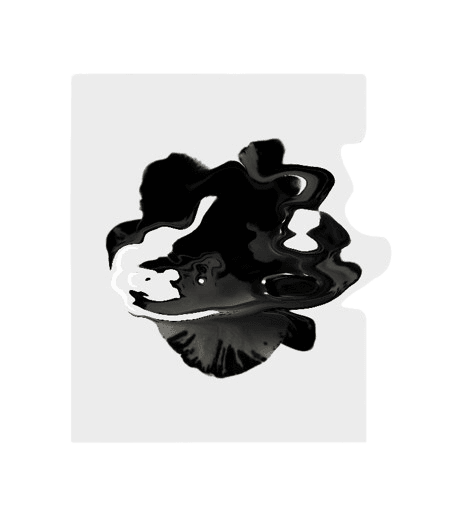
A water ripple makes an image react to the pointer through a displacement field rather than moving the whole image.
Live example from UI Layouts
To run the code, install three and @react-three/fiber. Save the brush texture as public/brush.png and put three photos in public named picture1.jpeg, picture2.jpeg, and picture3.jpeg.

Map the pointer into image coordinates
Normalize pointer positions relative to the canvas. Account for the image crop so the ripple originates where the user actually interacted.
Animate displacement in a shader
A ripple can be modeled as a traveling sine wave whose strength decays with distance and time. Use a texture sampling offset rather than modifying the original source image.
Fallback to the original image
Do not require WebGL for content access. Keep a still image for reduced motion or failed context creation, and release resources when the effect unmounts.
Implementation pattern
The following focused snippet demonstrates the principle, not the complete UI Layouts implementation. The live example and linked documentation contain the full source.
float wave = sin(distance(uv, center) * 32.0 - time * 5.0);
float strength = wave * exp(-distance(uv, center) * 5.0);
Explore the source
Open the image ripple effect component documentation for the full implementation, examples and any required dependencies. Test the interaction on a narrow screen and with keyboard navigation before adapting it to production.