Tutorials ·
How to Add a Subtle Noise Texture to CSS Backgrounds in React
UI Layouts
On this page
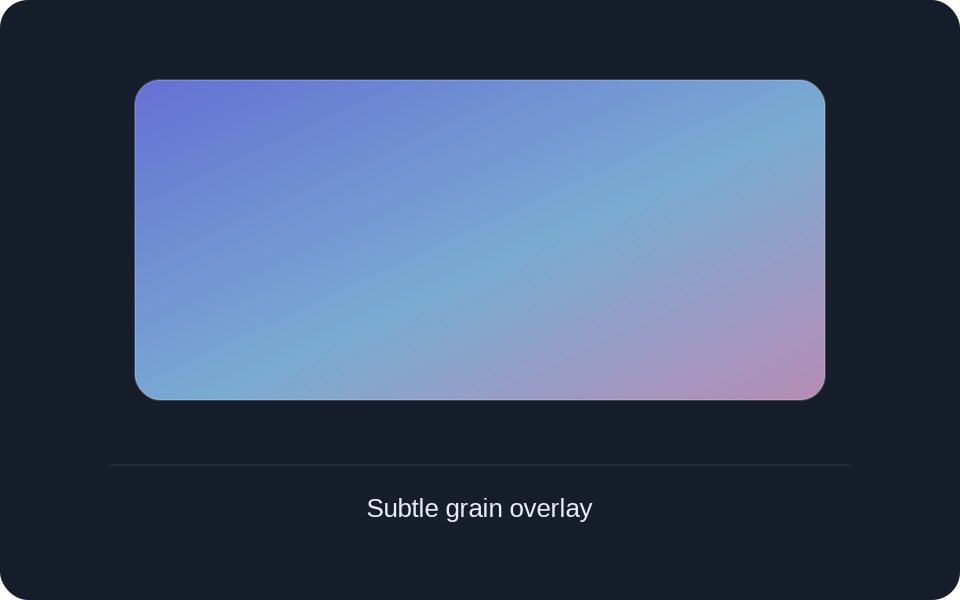
Noise breaks up flat color and gradient banding without competing with foreground content.
Live example from UI Layouts
An Home Page with Noise Effect
Use a dedicated texture layer
Position a small repeating SVG or raster texture over a background. Keep the grain separate from text and controls so the effect does not reduce their clarity.
Adjust opacity before scale
Start with a low opacity and inspect the result on light and dark surfaces. Fine grain is usually less intrusive than large high-contrast speckles.
Keep the texture cheap
A static repeated texture is often enough. Avoid animating a full-screen filter continuously unless a measured design benefit justifies the rendering cost.
Implementation pattern
The following focused snippet demonstrates the principle, not the complete UI Layouts implementation. The live example and linked documentation contain the full source.
.grain { position: absolute; inset: 0; pointer-events: none; opacity: .06; background-repeat: repeat; }
Explore the source
Open the noise component documentation for the full implementation, examples and any required dependencies. Test the interaction on a narrow screen and with keyboard navigation before adapting it to production.