Tutorials ·
Build an International Phone Number Input with Country Codes in React
UI Layouts
On this page
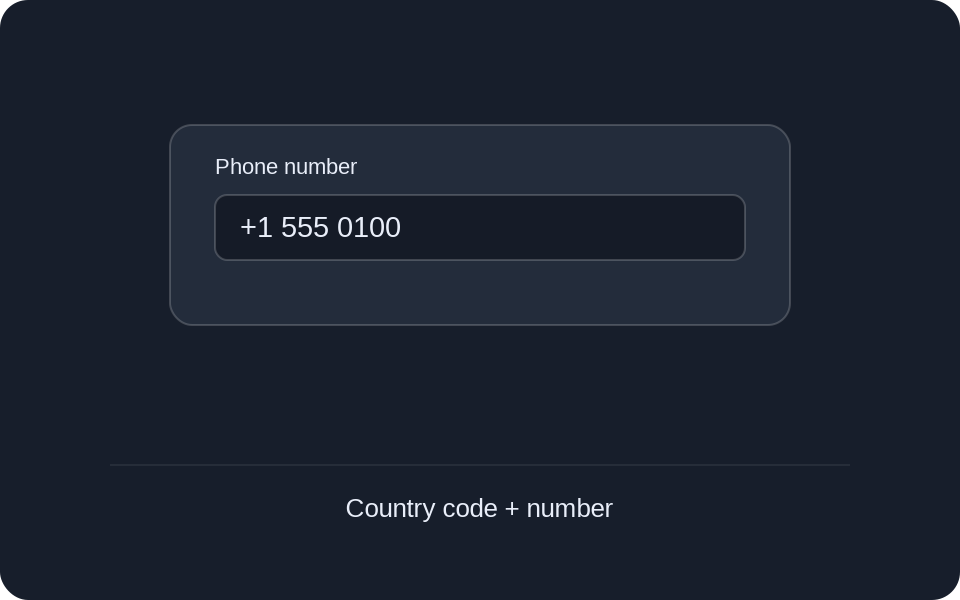
International phone inputs need to accommodate different country formats without assuming every number has the same length.
Live example from UI Layouts
Installation
Use the documented UI Layouts registry command in your React project:
npx shadcn@latest add 'https://www.ui-layouts.com/r/phone-input.json'
The component documentation includes the full setup and dependency details.
Separate display from storage
Format for the selected region while keeping a canonical number, typically E.164 after parsing. Do not simply prepend a country code to an arbitrary text string.
Let users choose the region
Default to a reasonable region only when known and let users change it. A flag alone is not a sufficient accessible name; include the country or region text.
Validate without blocking typing
A partial number is normal during entry. Validate on blur or submission and distinguish formatting validity from verified ownership; verification needs a separate flow.
Implementation pattern
The following focused snippet demonstrates the principle, not the complete UI Layouts implementation. The live example and linked documentation contain the full source.
<input type='tel' autocomplete='tel' aria-label='Phone number' />
Explore the source
Open the phone input component documentation for the full implementation, examples and any required dependencies. Test the interaction on a narrow screen and with keyboard navigation before adapting it to production.