Tutorials ·
How to Add Smooth Scrolling in React with Lenis and Motion
UI Layouts
On this page
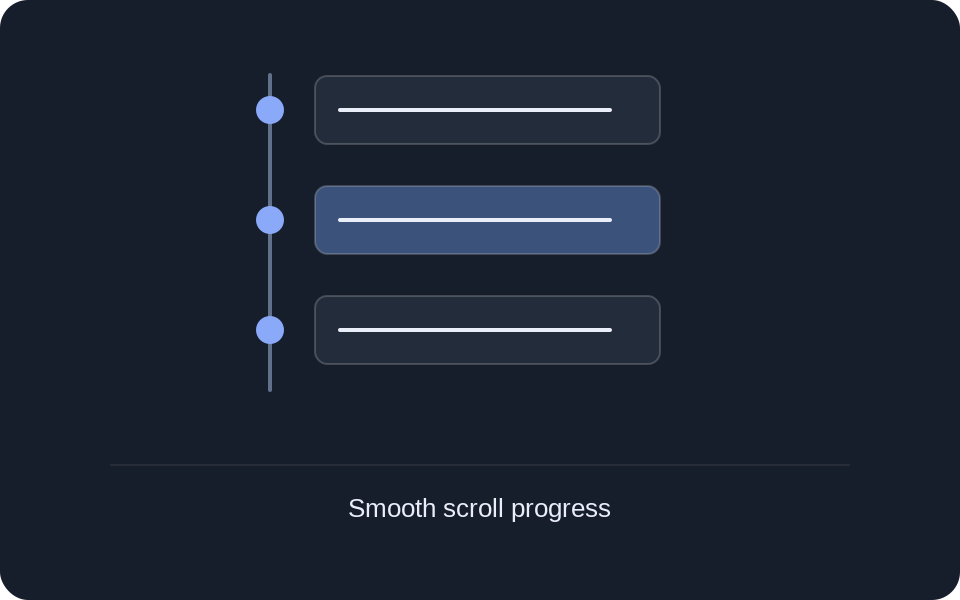
Smooth scrolling interpolates movement between input events and the displayed scroll position.
Live example from UI Layouts
Use a single scroll controller
Avoid running multiple smooth-scroll libraries or independent animation loops on the same page. Coordinate scroll-linked animation with the controller's progress.
Preserve native browser behavior
Anchor navigation, keyboard scrolling, focus movement and nested scroll areas should continue to work. Do not smooth every wheel event indiscriminately.
Respect user preferences
Disable optional interpolation for reduced motion and test touch scrolling. Cancel animation-frame work and destroy the controller when it unmounts.
Implementation pattern
The following focused snippet demonstrates the principle, not the complete UI Layouts implementation. The live example and linked documentation contain the full source.
@media (prefers-reduced-motion: reduce) { html { scroll-behavior: auto; } }
Explore the source
Open the smooth scroll component documentation for the full implementation, examples and any required dependencies. Test the interaction on a narrow screen and with keyboard navigation before adapting it to production.