Tutorials ·
How to Build a Sparkling Text Heading in React with tsParticles
UI Layouts
On this page
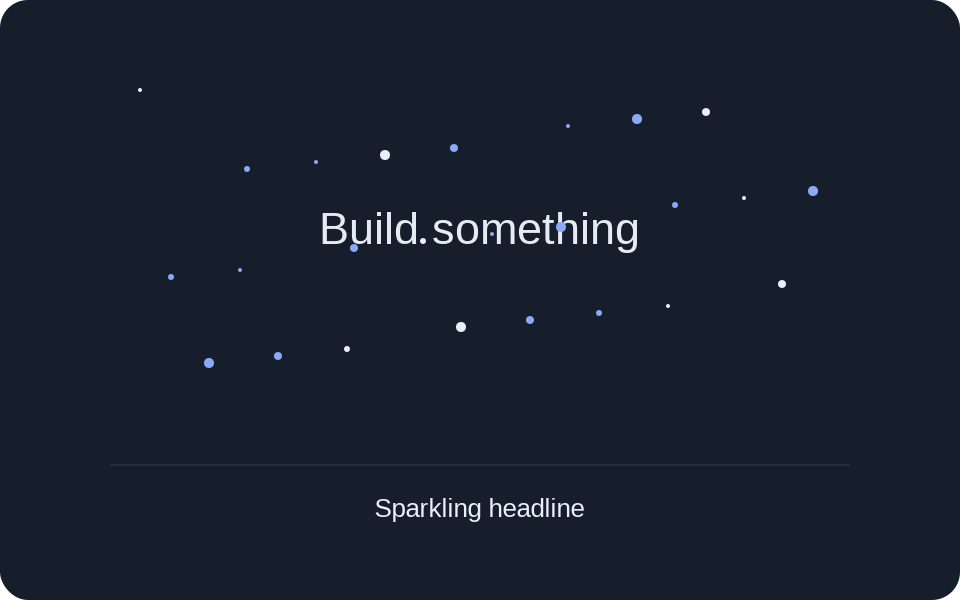
A sparkling heading draws attention to a short phrase without requiring the letters themselves to move.
Live example from UI Layouts
Keep the heading semantic
Render the words as an ordinary heading. Position the particle canvas around or over it, marked decorative so it does not duplicate the title for assistive technology.
Use a local particle budget
The documented examples use tsParticles. Choose restrained particle size, density and speed, and keep the effect bounded to the heading instead of the entire viewport.
Protect readability
Avoid low-contrast text and rapid flashes. Provide a static heading for reduced motion or when the particle engine cannot load.
Implementation pattern
The following focused snippet demonstrates the principle, not the complete UI Layouts implementation. The live example and linked documentation contain the full source.
<h1 class='relative'>Build something expressive</h1>
Explore the source
Open the sparkles title component documentation for the full implementation, examples and any required dependencies. Test the interaction on a narrow screen and with keyboard navigation before adapting it to production.