UI Blocks ·
How to Build a Customer Testimonial Section in React
UI Layouts
On this page
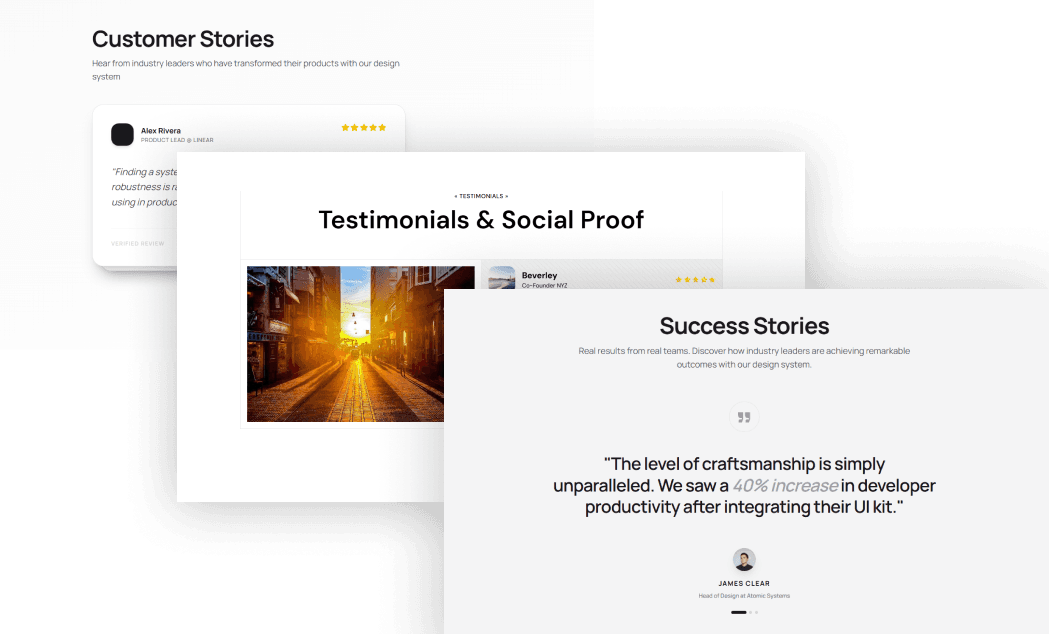
A testimonial should help a reader understand a real customer experience. A static quote layout often communicates this better than a carousel that hides important content.
Collect evidence responsibly
Use quotes that the customer approved, include the relevant role or organization with permission, and retain the original meaning. Avoid invented quotes, composite people and unsupported outcome claims.
Make each quote self-contained
Pair the quote with an attribution and optionally a link to a full case study. Keep cards flexible enough for different quote lengths, and use a readable line width rather than forcing every card into equal-height text.
Choose motion only when useful
If you use the carousel variant, offer explicit controls, pause any automatic advancement, and make quotes reachable with a keyboard. A static grid is usually the simplest starting point.
Implementation example
The following focused example illustrates the technique. Use the linked component or block for the complete implementation.
<figure>
  <blockquote><p>Approved customer quote goes here.</p></blockquote>
  <figcaption>Customer name, role and organization</figcaption>
</figure>
Before shipping
Replace placeholders with approved testimonials, verify attribution and check that no quote is clipped on mobile.